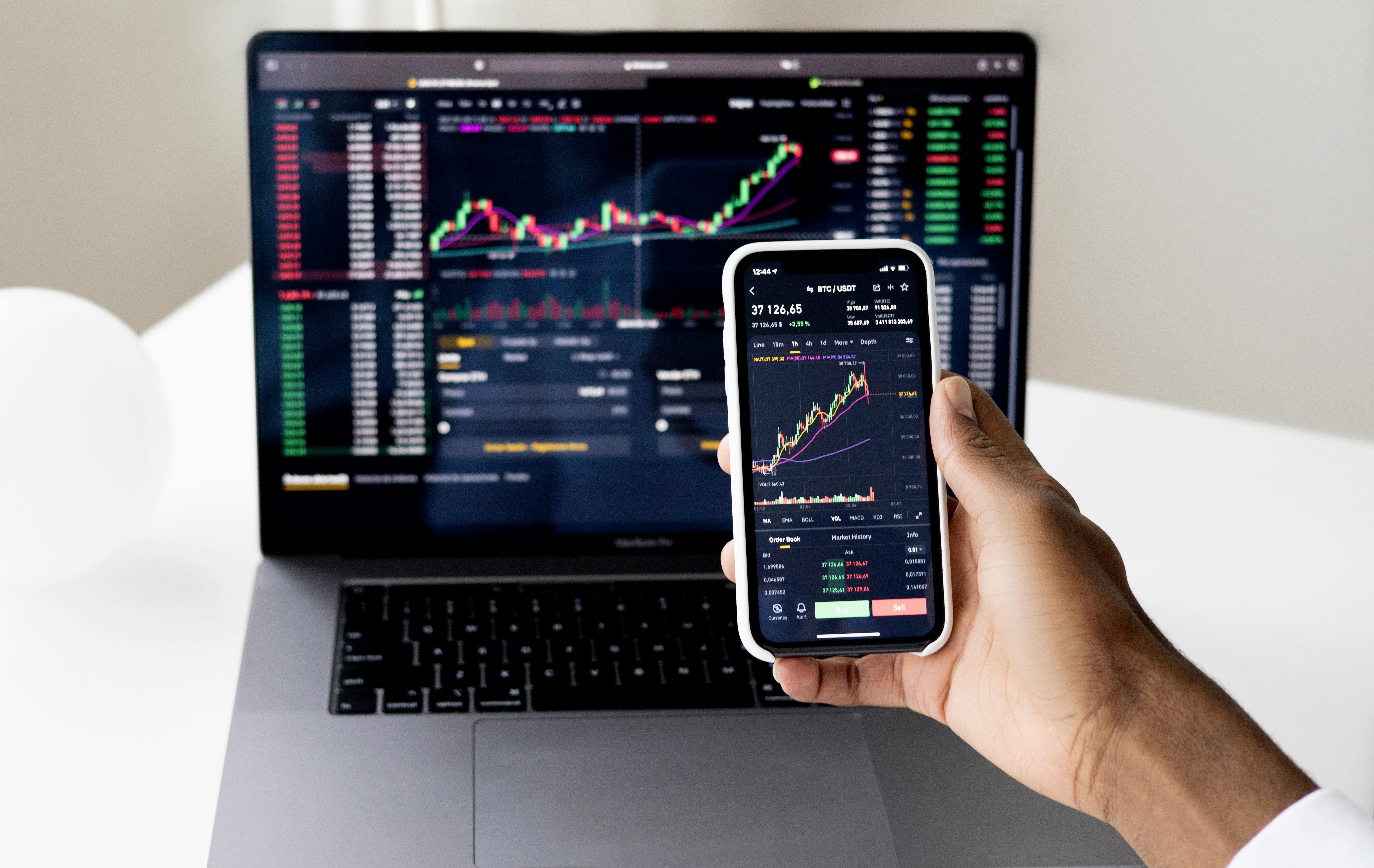
Visual Design Studio
Welcome to the Visual Design Studio
The Visual Design Studio is a forward-looking interactive tool built for analysts, design-conscious financial professionals, and teams looking to visualize and customize strategic dashboards, reports, and presentations. Designed with market-focused users in mind, it helps translate dense financial content—such as Asian index trends and futures data—into customizable, high-impact visual assets.
Whether you’re anticipating market shifts in the FTSE Asia Index or crafting investor-facing reports, this tool simplifies the transformation of raw information into refined visuals. The Visual Design Studio reflects our commitment to data clarity and user empowerment.
Lead the Feed. Don't Just React.
In the Asian markets, milliseconds are the difference between a trend and a trap. Our Visual Design Studio translates raw quant feeds into actionable visual intelligence.
Launch TerminalWhat You Can Do With This Tool
- Design tailored infographics that adapt to regional data nuances across Asia-Pacific markets.
- Create investor decks with customizable themes reflecting platform-compliant branding.
- Visualize futures contracts with performance overlays, volatility markers, and time-series charts.
- Generate heatmaps of sector-based movements within the FTSE Asia index ecosystem.
- Export design assets in presentation-ready formats like PNG, SVG, and PDF.
- Compare historical vs. current data across multiple economic indicators for Asia-based portfolios.
The tool currently aligns with widely accepted global visual design protocols, but regional constraints such as local language rendering or market holiday calendars might impact visual output timing.
Inputs and Outputs at a Glance
| Input Type | Example | Required? | Output Description |
|---|---|---|---|
| Market data upload | ftse_asia_2023.csv | Optional | PNG/SVG/PDF high-res exports |
| Design type selection | Futures Live Tracker | Required | Preview share link for review |
| Styling preferences | InvestorBlue.hex | Optional | Reusable template configurations |
| Chart configuration | January–March (Q2) | Required | Narrative-driven visual decks |
Use Cases and Examples
Investor Reporting Pitch
Generate narrative-driven decks for Hong Kong and Singapore index performance. Integrate volatility bands and export polished PDFs for LPs.
Regional Heat Scanning
Generate heatmaps of sectoral shifts in North-East Asian markets. Animate momentum changes over 30-day periods with dynamic scales.
Executive Snapshot Tool
Summarize Asian futures tickers for U.S. boardrooms. Leverage the "Futures Snapshot" module for FTSE Asia Mini Contracts with zero design overhaul.
How It Works (Step-by-Step)
- Log into your FT Asia Stock account. If you’re not registered, create a free account to unlock access to the Visual Design Studio.
- Select a design use case. Choose from predefined modules such as “Futures Snapshot,” “Index Comparison,” or “Investor Briefing Deck.”
- Upload or select data. Import CSV or JSON data, or pull from our in-platform market database for the FTSE Asia Index or other tracked metrics.
- Configure design elements. Adjust color schemes, typography, charts, and reporting frames to match your audience’s tone and brand guidelines.
- Preview and refine. Test the interactivity and adjust plotting granularity, indicator thresholds, and layout structure.
- Export and share. Download your design in multiple formats or generate an internal preview link for review workflows.
- Save configurations. Store your layout presets for reuse through your company dashboard.
Limitations & Assumptions
The Studio visualizes your data inputs; it is not a valuation tool. Representations should be verified for audited use.
- Embedded datasets are pulled from public sources.
- Currently supports English-language inputs only.
- Regional holidays may require manual date adjustments.
- Consult a licensed analyst before financial publication.
Privacy & Data Handling
Your data is processed server-side for functionality. We prioritize the security of your design assets and proprietary inputs.
- Uploaded files are removed within 3 hours of inactivity.
- Design assets are never indexed for public visibility.
- Usage metrics are anonymized to improve accuracy.
- No behavioral data is sold to third parties.
Tips for Best Results
- Ensure your data files are clean, well-formatted, and zipped under 10MB.
- Use predefined templates to save time; custom layouts can take longer to fine-tune.
- Consider contrast levels for charts—especially for boardroom usage with projected or printed materials.
- Preview your designs before exporting to catch misalignment or title truncation.
- When using logos or icons, adhere to SVG format to maintain clarity at all sizes.
- Use regional filters accurately—incorrect market segment selection can skew chart logic.
Troubleshooting & FAQs
Start Visualizing with Precision
Ready to translate insight into design? Build your visual narrative today.
Open Visual Design Studio